Translations:Theme editor/311/en
From LimeSurvey Manual
- First please open the theme editor for the theme you like to use.
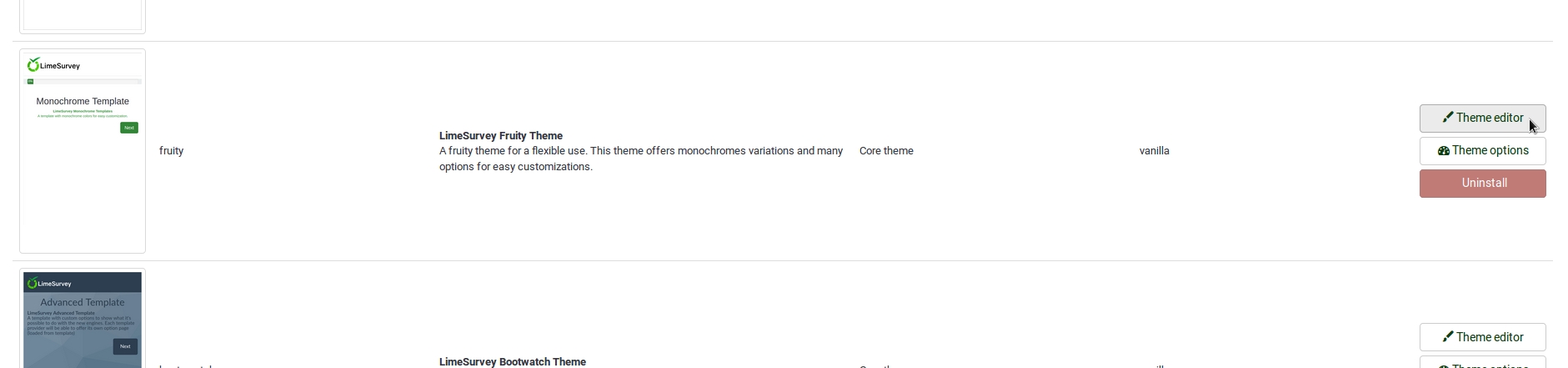
- We recommend to use fruity, it is our best theme currently.
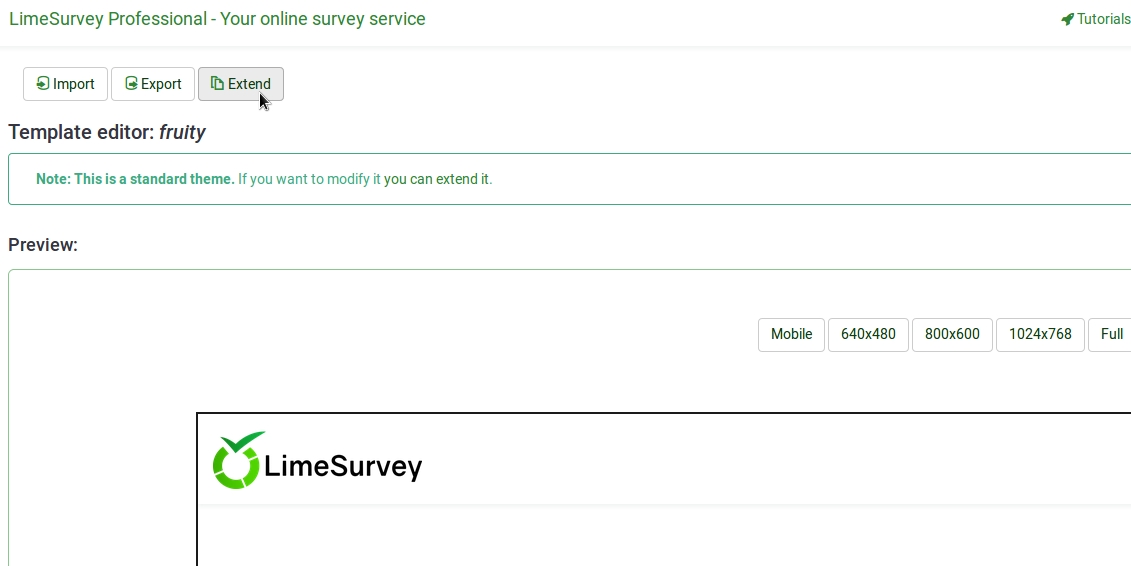
- Then extend the theme and give it a name you will recognize.
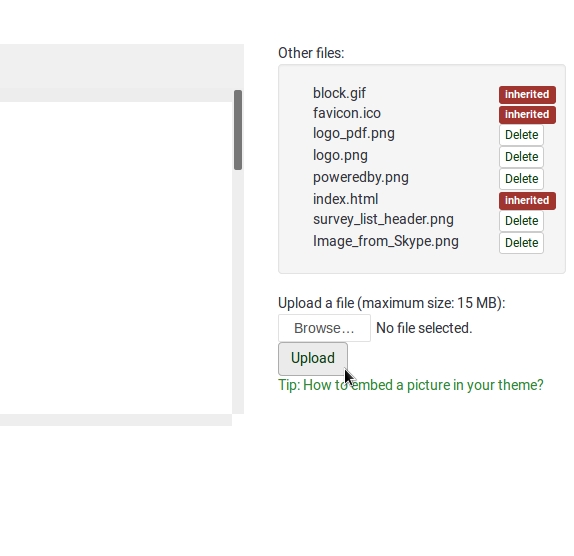
- In the following view you may upload the logo you want to use.
- Select the editor screen `Survey List´ in the Screen dropdown in the top right corner.
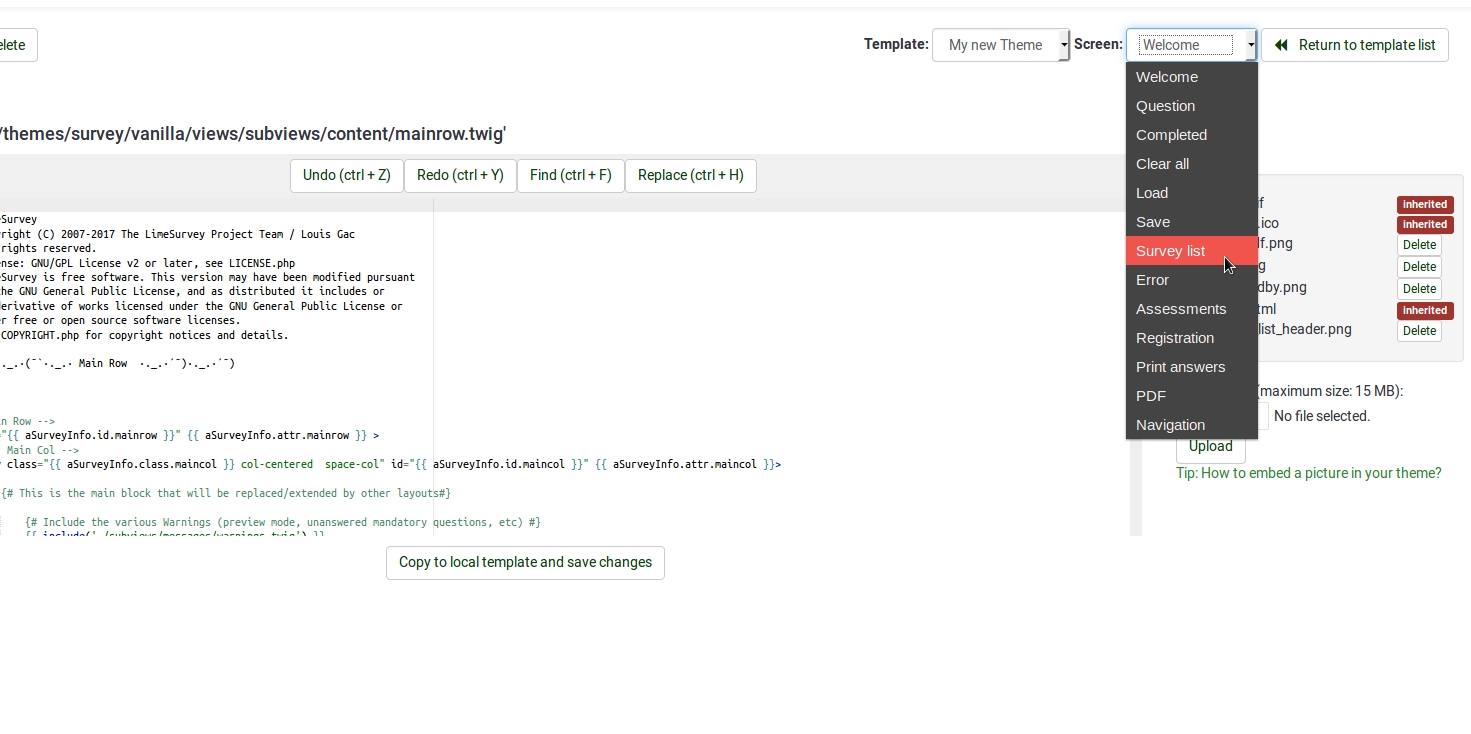
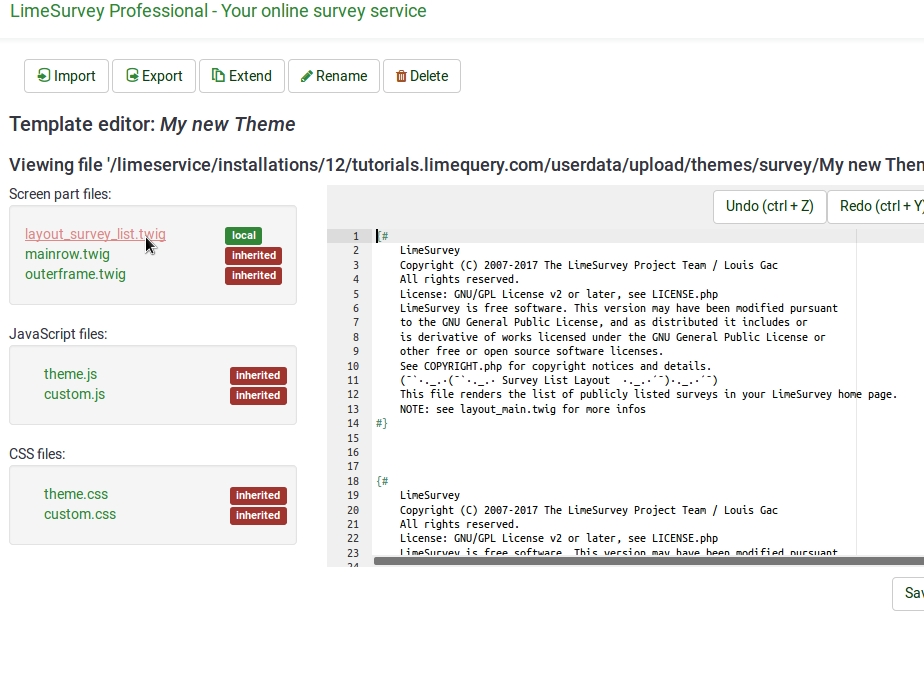
- Then select `layout_survey_list.twig´ in the left side menu.
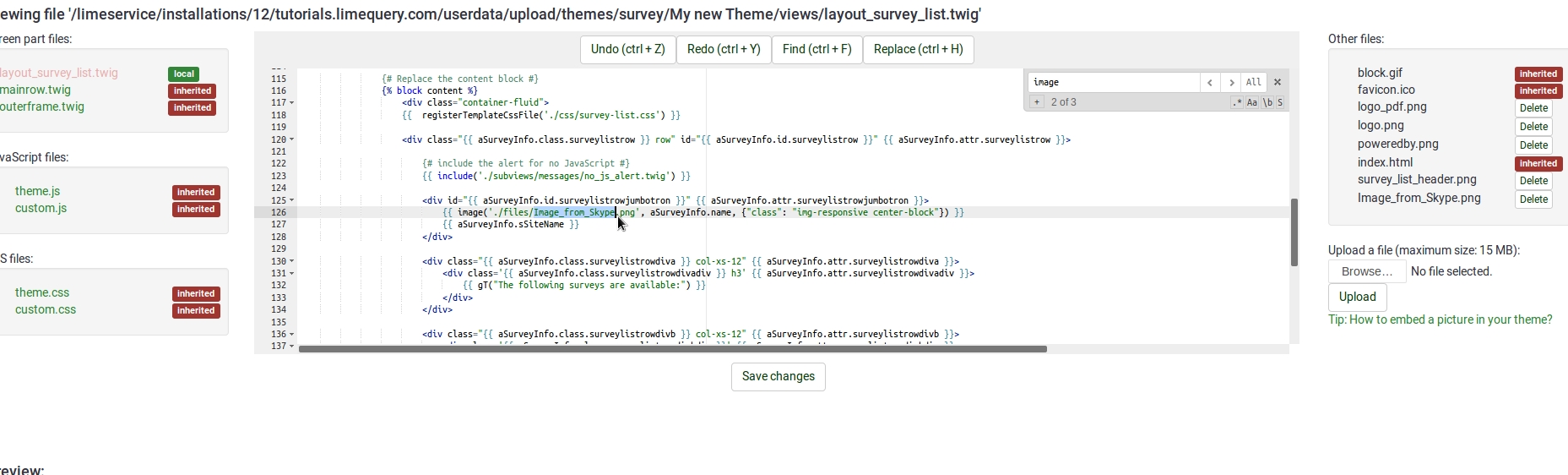
- In the editor scroll to line 126 and change the marked part to the filename of the image you uploaded to the theme before.
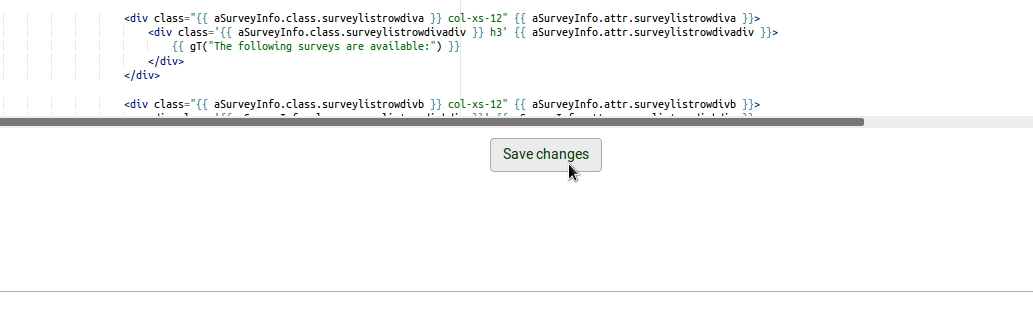
- Save your file.
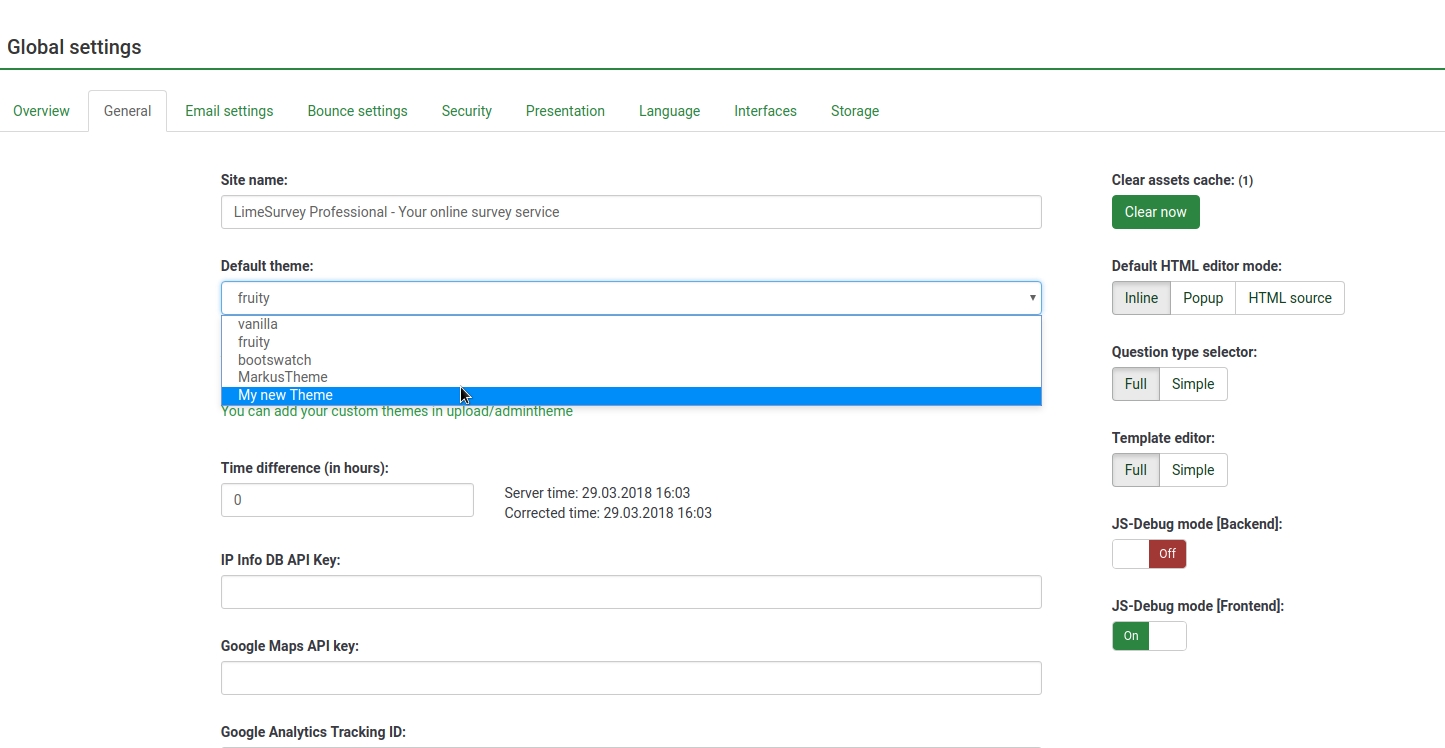
- Change default theme to your extended theme.