x

Main chapters

  1. LimeSurvey Cloud vs LimeSurvey CE
  2. LimeSurvey Cloud - Quick start guide
  3. LimeSurvey CE - Installation
  4. How to design a good survey (Guide)
  5. Getting started
  6. LimeSurvey configuration
  7. Introduction - Surveys
  8. View survey settings
  9. View survey menu
  10. View survey structure
  11. Introduction - Questions
  12. Introduction - Question Groups
  13. Introduction - Surveys - Management
  14. Survey toolbar options
  15. Multilingual survey
  16. Quick start guide - ExpressionScript
  17. Advanced features
  18. General FAQ
  19. Troubleshooting
  20. Workarounds
  21. License
  22. Version change log
  23. Plugins - Advanced
 Actions

File

File:Setting Pres Format EN.png

From LimeSurvey Manual
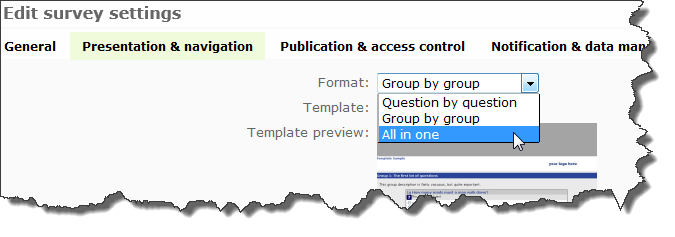
Setting_Pres_Format_EN.png (675 × 237 pixels, file size: 22 KB, MIME type: image/png)

How to set the format

File history

Click on a date/time to view the file as it appeared at that time.

Date/TimeThumbnailDimensionsUserComment
current19:09, 21 June 2013Thumbnail for version as of 19:09, 21 June 2013675 × 237 (22 KB)Actxcellence (talk | contribs)How to set the format